
 canvas实现弹跳小球
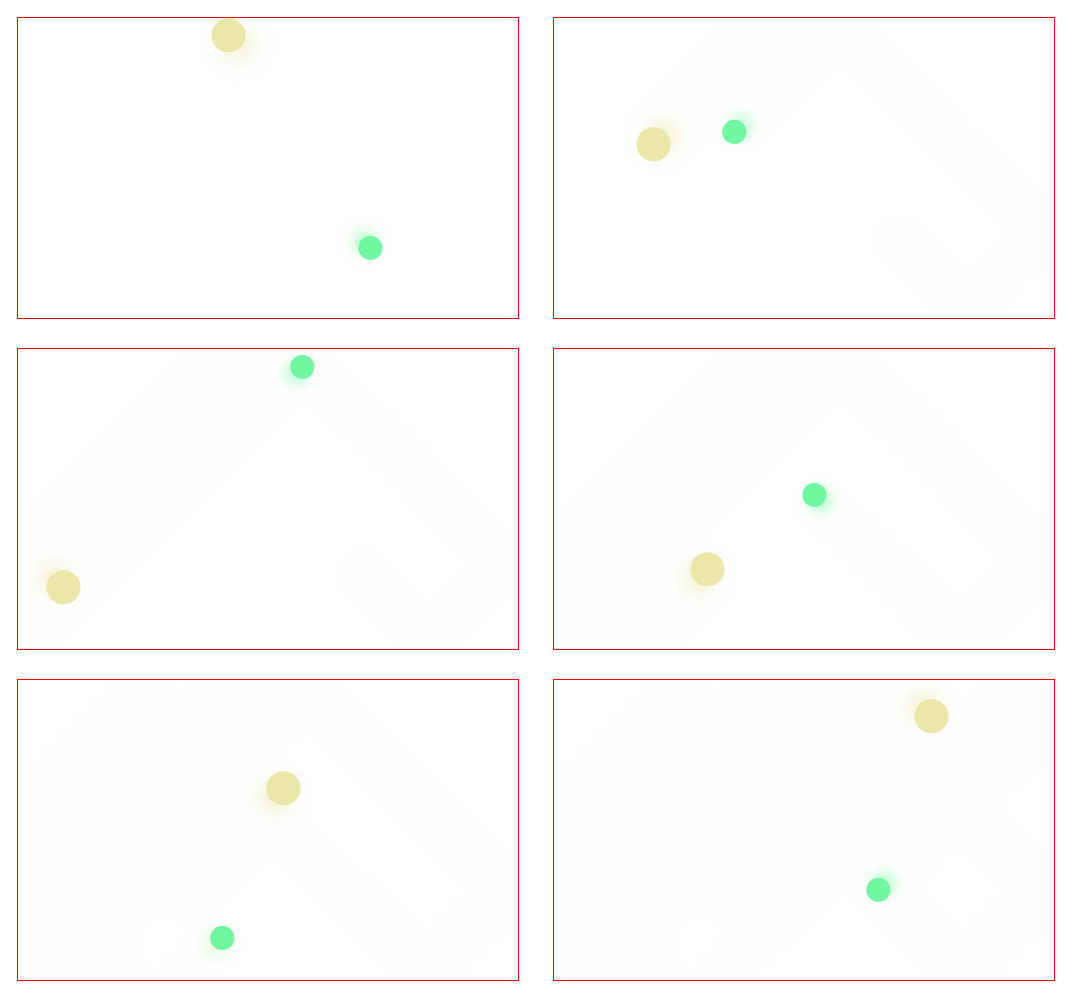
实现步骤:
- 获取canvas对象,初始相应对象数据
- 清空画布
x、y方向移动单位距离dx、dy- 边界检测,超出边界则当前方向
dx或dy方向 - 根据当前
x、y绘制圆形图形和阴影 - 重复2-5步骤
实现代码如下:
<canvas id="canvas"></canvas>

<style>
canvas {
  width: 500px;
  height: 300px;
  border: 1px solid red;
}
</style>
1
2
3
4
5
6
7
8
9
2
3
4
5
6
7
8
9
// 初始化canvas
const canvas = document.getElementById('canvas');
const ctx     = canvas.getContext('2d');

canvas.width  = 500;
canvas.height = 300;

/* ========= 小球类 ========= */
class Ball {
  constructor(w, h) {
		// 半径
    this.radius = Math.max(10, Math.floor(Math.random() * 20));
		// 初始化随机x位置
    this.x      = Math.max(this.radius, Math.random() * (w - this.radius));
		// 初始化随机x位置
    this.y      = Math.random() * (h - this.radius);
		// x方向单位移动距离
    this.dx     = (Math.round(Math.random() * 10) - 5) || 1;
		// y方向单位移动距离
    this.dy     = -this.dx;
		// 随机颜色
    this.color  = [Math.floor(Math.random() * 255), Math.floor(Math.random() * 255), Math.floor(Math.random() * 255)];
  }

  draw() {
		// 阴影
		ctx.shadowColor = `rgba(${this.color}, 0.5)`;
		ctx.shadowOffsetX = this.radius / 3 * -this.dx / Math.abs(this.dx);
		ctx.shadowOffsetY = this.radius / 3 * -this.dy / Math.abs(this.dy);
		ctx.shadowBlur = this.radius / 2;

		// 绘制图形
		ctx.beginPath();
		ctx.arc(this.x, this.y, this.radius, 0, Math.PI * 2);
		ctx.fillStyle = `rgb(${this.color})`;
		ctx.fill();
		ctx.closePath();
  }

  /* 根据速度移动并检测边界反弹 */
  update() {
    this.x += this.dx;
    this.y += this.dy;

    // 水平边界
    if (this.x + this.radius > canvas.width || this.x - this.radius < 0) {
      this.dx = -this.dx;
    }
    // 垂直边界
    if (this.y + this.radius > canvas.height || this.y - this.radius < 0) {
      this.dy = -this.dy;
    }
  }
}

/* ========= 动画管理类 ========= */
class Stage {
  constructor(canvas) {
    this.canvas = canvas;
    this.width  = this.canvas.width;
    this.height = this.canvas.height;
    this.ctx    = canvas.getContext('2d');
    this.children = [];        // 存放所有可绘制/可更新的对象
  }

  /* 把对象加入舞台 */
  add(child) {
    this.children.push(child);
  }

  /* 清空画布 */
  clear() {
    this.ctx.clearRect(0, 0, this.canvas.width, this.canvas.height);
  }

  /* 渲染并进入下一帧 */
  render() {
    this.clear();
    this.children.forEach(child => {
      child.update();
      child.draw();
    });
    requestAnimationFrame(() => this.render());
  }

  /* 启动动画 */
  start() {
    this.render();
  }
}

/* ========= 初始化 ========= */
const stage = new Stage(canvas);

// 添加随机小球
stage.add(new Ball(stage.width, stage.height));
stage.add(new Ball(stage.width, stage.height));

// 开始动画
stage.start();
1
2
3
4
5
6
7
8
9
10
11
12
13
14
15
16
17
18
19
20
21
22
23
24
25
26
27
28
29
30
31
32
33
34
35
36
37
38
39
40
41
42
43
44
45
46
47
48
49
50
51
52
53
54
55
56
57
58
59
60
61
62
63
64
65
66
67
68
69
70
71
72
73
74
75
76
77
78
79
80
81
82
83
84
85
86
87
88
89
90
91
92
93
94
95
96
97
98
99
100
2
3
4
5
6
7
8
9
10
11
12
13
14
15
16
17
18
19
20
21
22
23
24
25
26
27
28
29
30
31
32
33
34
35
36
37
38
39
40
41
42
43
44
45
46
47
48
49
50
51
52
53
54
55
56
57
58
59
60
61
62
63
64
65
66
67
68
69
70
71
72
73
74
75
76
77
78
79
80
81
82
83
84
85
86
87
88
89
90
91
92
93
94
95
96
97
98
99
100
上次更新: 2025/09/05, 8:09:00