
 marquee文字弹跳
最进在mdn中发现一个有意思的标签marquee,该组件可以实现基础的内容滚动弹跳,效果如下:
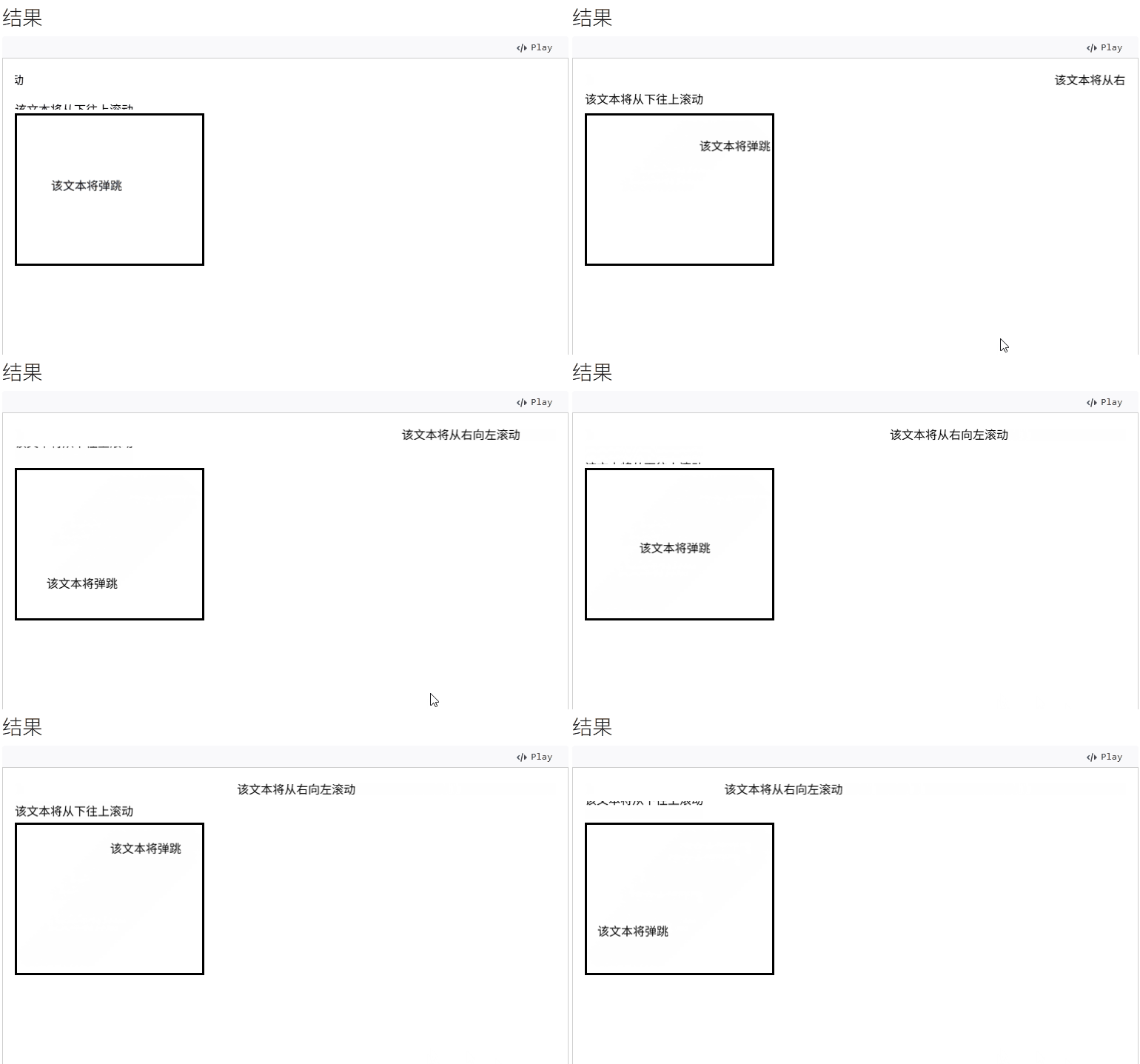
<marquee>该文本将从右向左滚动</marquee>

<marquee direction="up">该文本将从下往上滚动</marquee>

<marquee
  direction="down"
  width="250"
  height="200"
  behavior="alternate"
  style="border:solid">
  <marquee behavior="alternate">该文本将弹跳</marquee>
</marquee>
1
2
3
4
5
6
7
8
9
10
11
12
2
3
4
5
6
7
8
9
10
11
12
不过该组件已被移除web标准不被推荐使用,想要实现该标签的效果我们可以使用CSS或javascript实现。
# js实现
- 使用
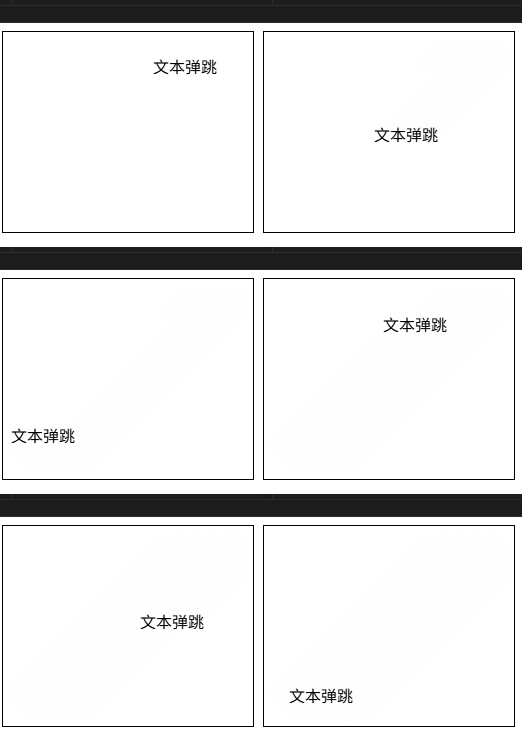
requestAnimationFrame实现平滑动画。 - 计算
x和y的位置变化,并在碰到边界时反转方向(speed *= -1)。 - 动态计算
box.clientWidth和text.clientWidth确保文字不会超出容器。
<div class="box">
  <div class="text">文本弹跳</div>
</div>

<script>
const text = document.querySelector('.text');
const box = document.querySelector('.box');

let x = 0, y = 0;
let xSpeed = 1, ySpeed = 1;

function marqueeAnim() {
  x += xSpeed;
  y += ySpeed;

  // 检测水平边界并反转方向
  if (x <= 0 || x >= box.clientWidth - text.clientWidth) {
    xSpeed *= -1;
  }

  // 检测垂直边界并反转方向
  if (y <= 0 || y >= box.clientHeight - text.clientHeight) {
    ySpeed *= -1;
  }

  text.style.left = x + 'px';
  text.style.top = y + 'px';

  requestAnimationFrame(marqueeAnim);
}

marqueeAnim();
</script>

<style>
.box {
  position: relative;
  width: 250px;
  height: 200px;
  border: 1px solid;
}

.text {
  position: absolute;
}
</style>
1
2
3
4
5
6
7
8
9
10
11
12
13
14
15
16
17
18
19
20
21
22
23
24
25
26
27
28
29
30
31
32
33
34
35
36
37
38
39
40
41
42
43
44
45
46
2
3
4
5
6
7
8
9
10
11
12
13
14
15
16
17
18
19
20
21
22
23
24
25
26
27
28
29
30
31
32
33
34
35
36
37
38
39
40
41
42
43
44
45
46
# css实现
- 使用
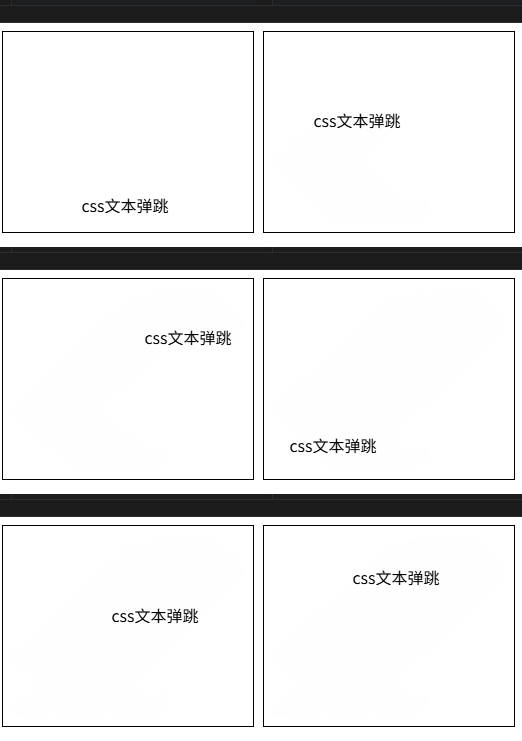
animation: 3s linear infinite alternate实现x、y方向位置弹跳动画,x、y设置不同的播放时间实现不同角度的弹跳。 - 固定跳动元素的宽高确保文字不超过边框
<div class="box">
	<div class="text">css文本弹跳</div>
</div>

<style>
.box {
  width: 250px;
  height: 200px;
  border: 1px solid;
  position: relative;
  overflow: hidden;
}

.text {
  position: absolute;
  width: 100px;
  left: 20px;
  line-height: 32px;
  text-align: center;
  white-space: nowrap;
  animation:
    bounceX 2.5s linear infinite alternate,
    bounceY 3s linear infinite alternate;
}

@keyframes bounceX {
  0% { left: 0; }
  100% { left: calc(100% - 100px); }
}

@keyframes bounceY {
  0% { top: 0; }
  100% { top: calc(100% - 32px); }
}
</style>
1
2
3
4
5
6
7
8
9
10
11
12
13
14
15
16
17
18
19
20
21
22
23
24
25
26
27
28
29
30
31
32
33
34
35
2
3
4
5
6
7
8
9
10
11
12
13
14
15
16
17
18
19
20
21
22
23
24
25
26
27
28
29
30
31
32
33
34
35
上次更新: 2025/09/05, 8:09:00